

01
FIELD-READY PLATFORM
Start testing sooner
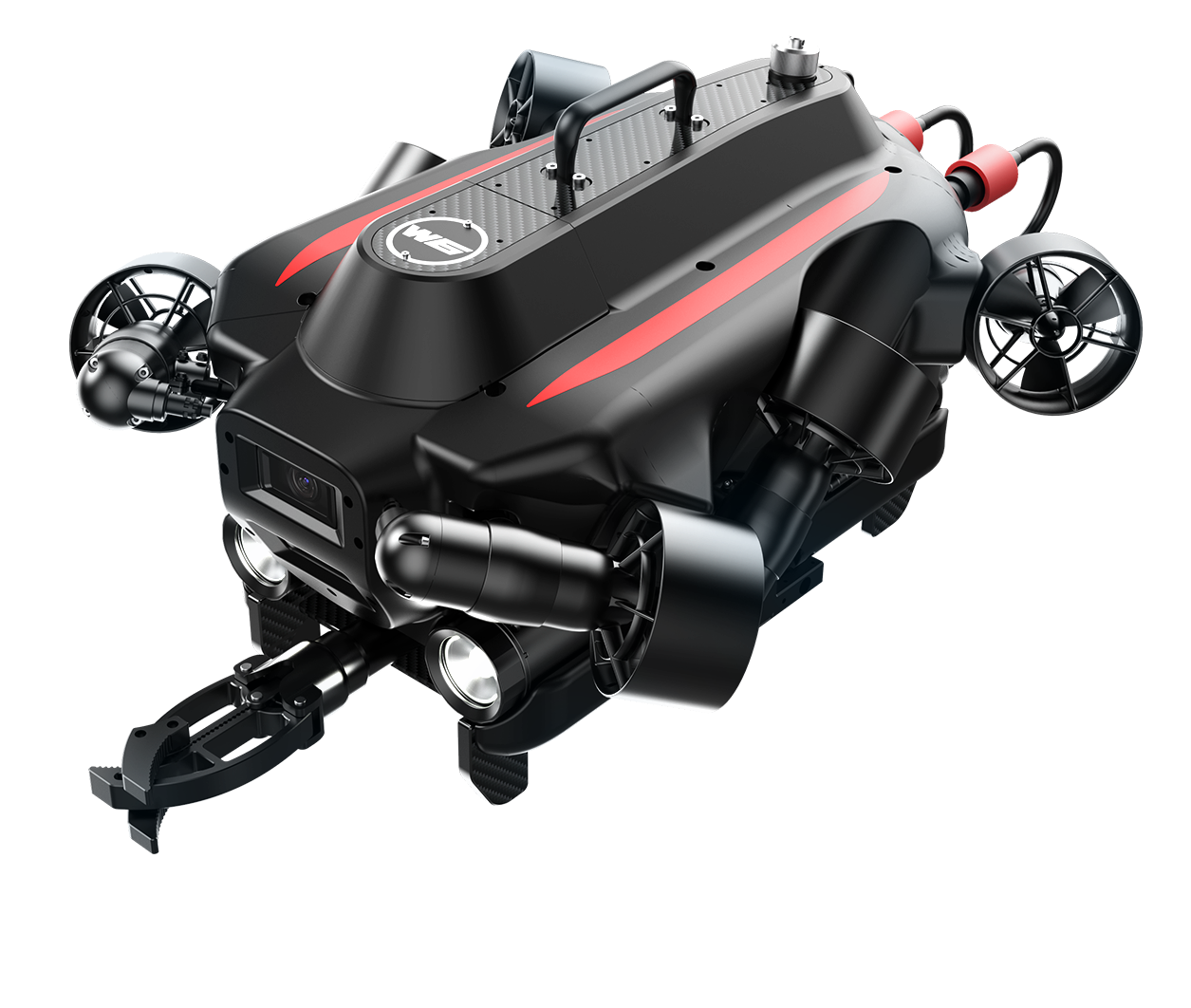
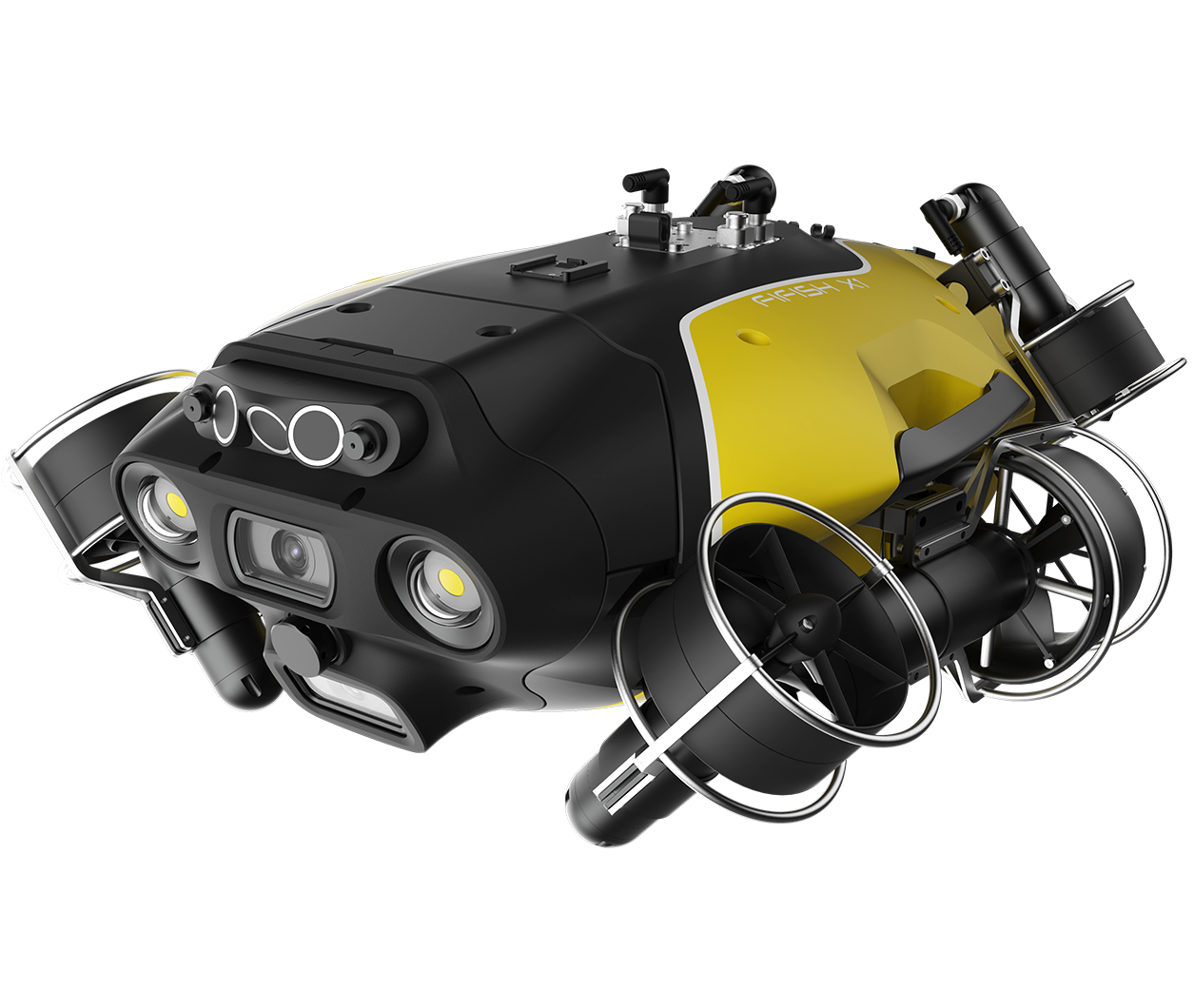
Begin with an integrated ROV instead of making vehicle assembly, sealing and basic control your first development milestone.

Series
Series
Series
Series
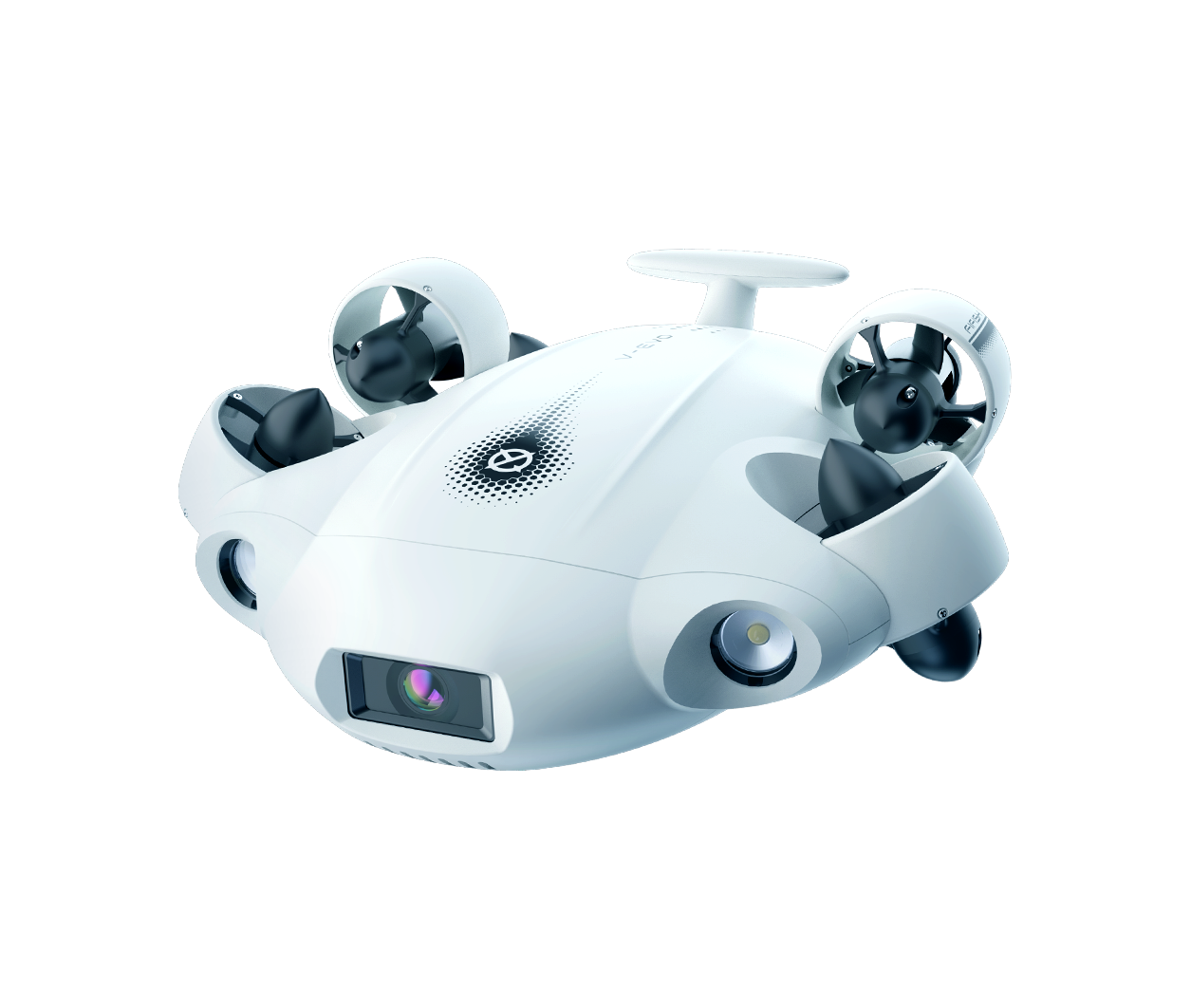
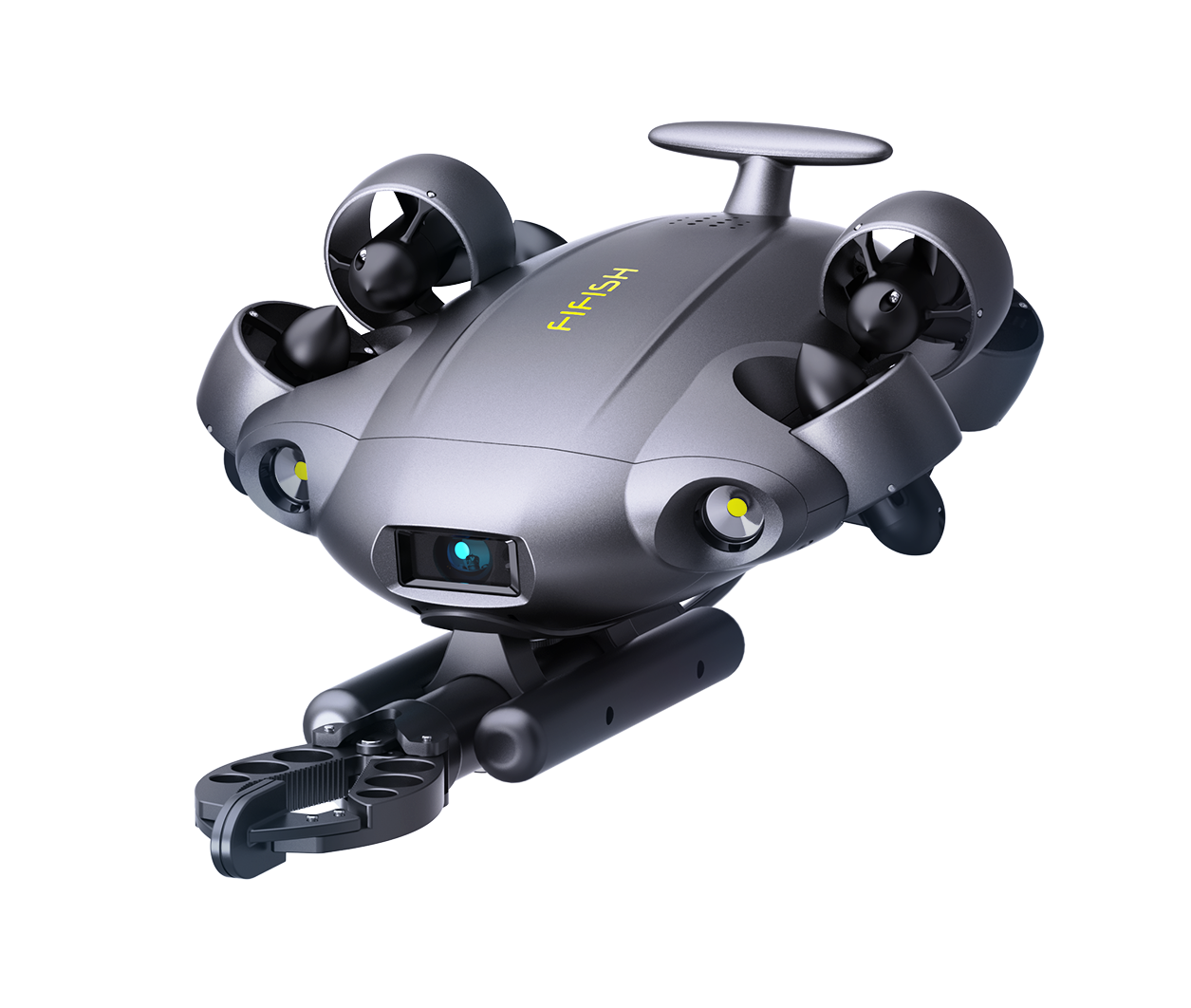
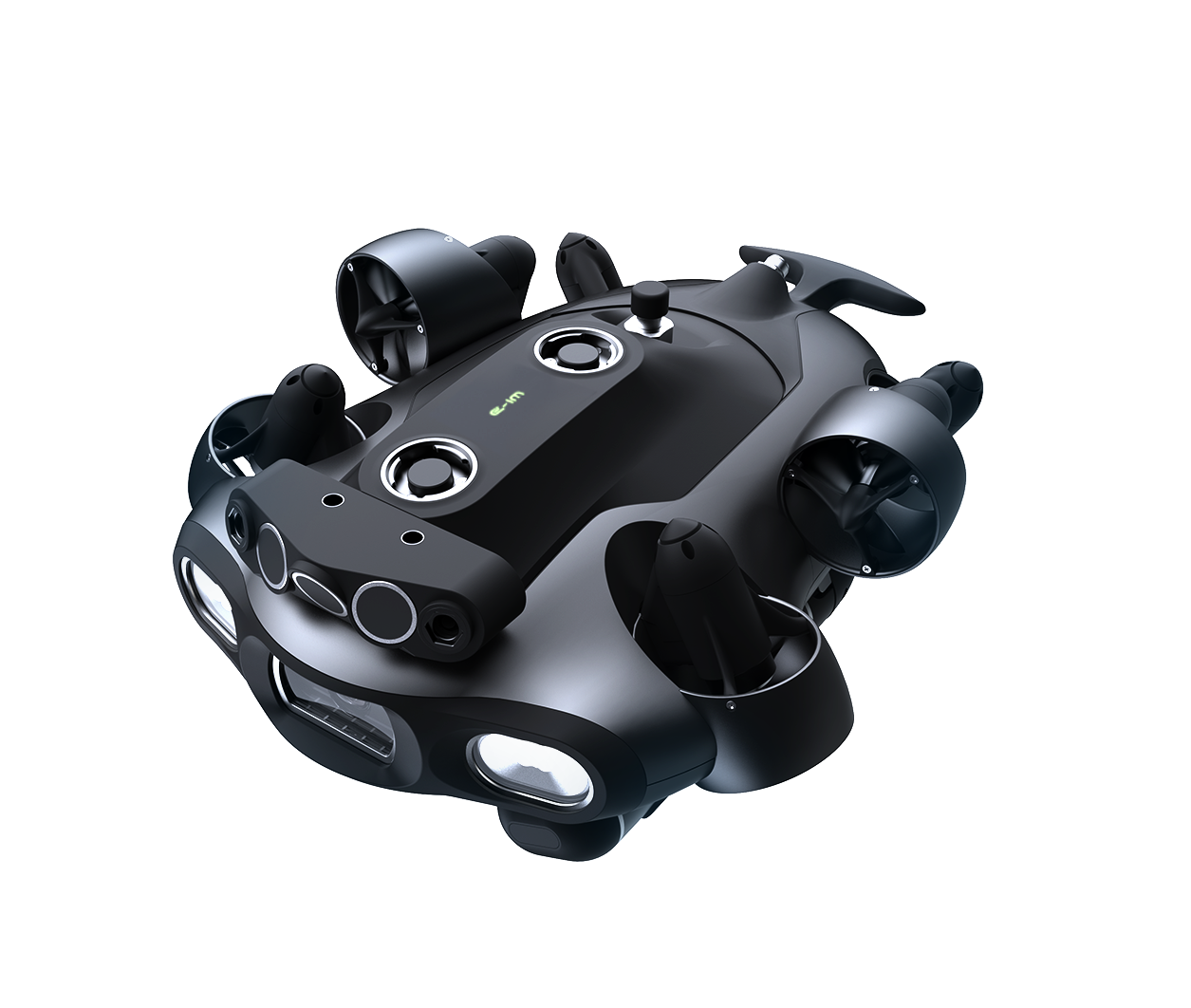
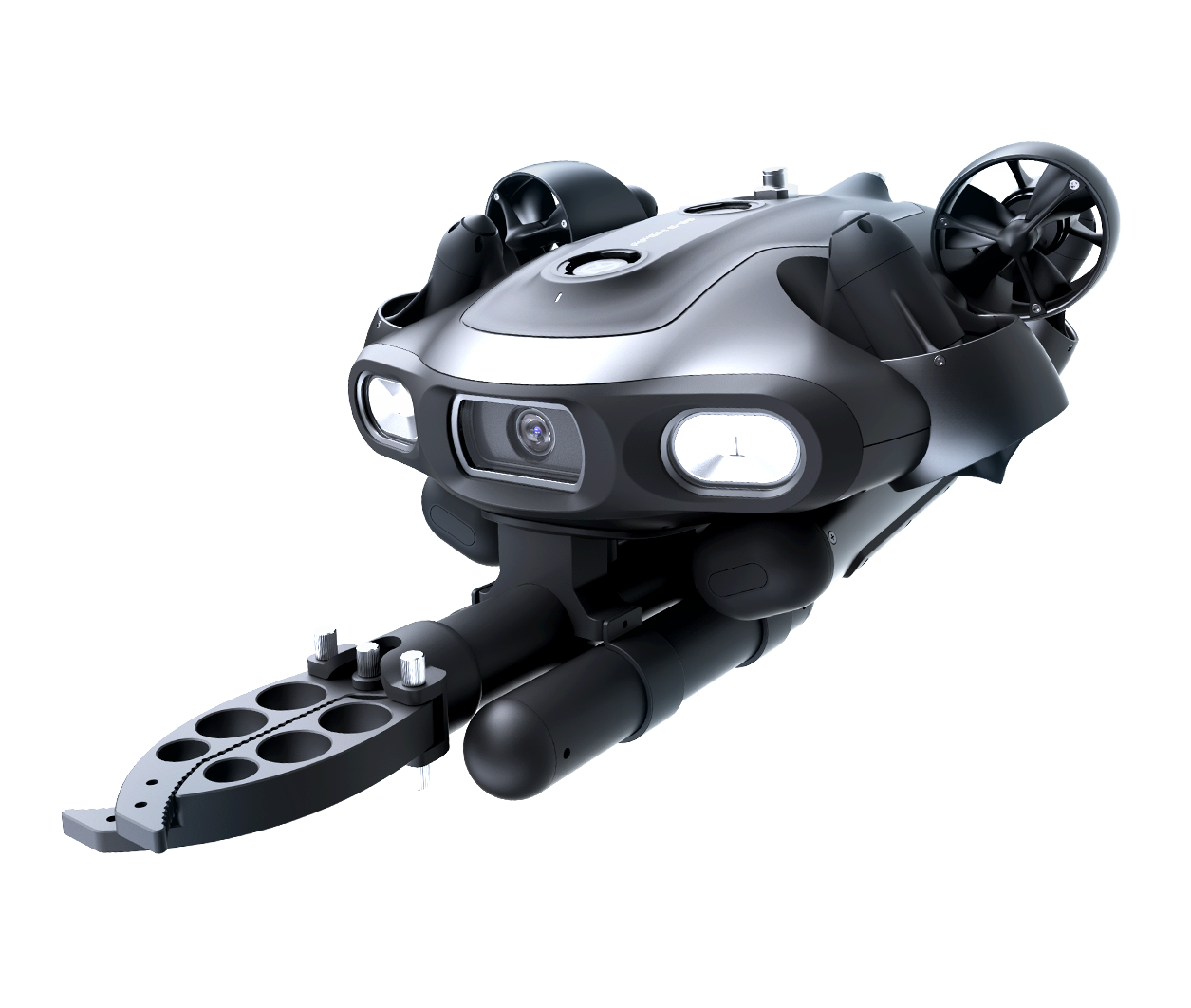
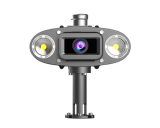
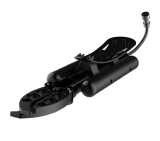
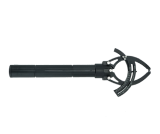
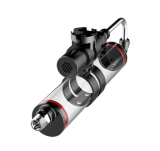
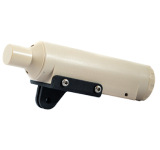
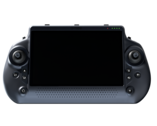
Start with a field-ready E-GO. Use its software, electrical and mechanical interfaces to develop the system your research requires.
LAYER 01 · SOFTWARE ACCESS
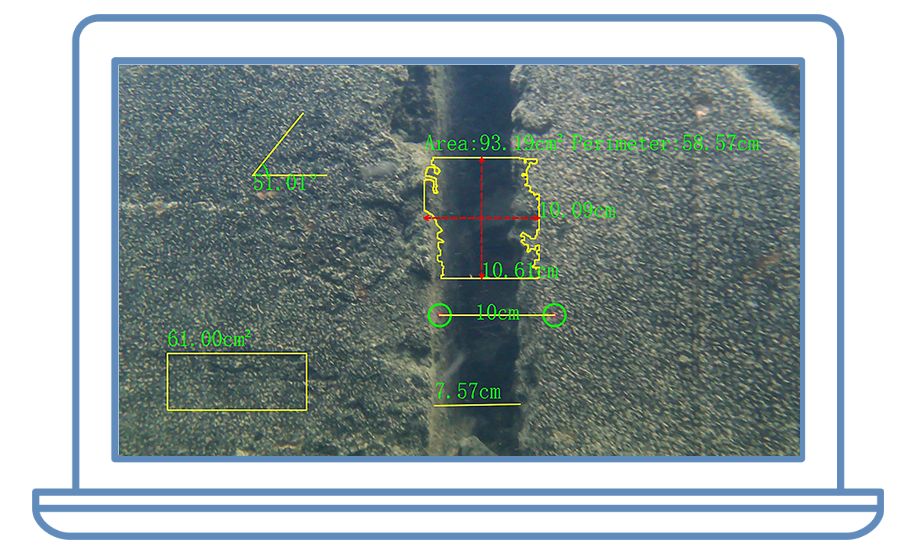
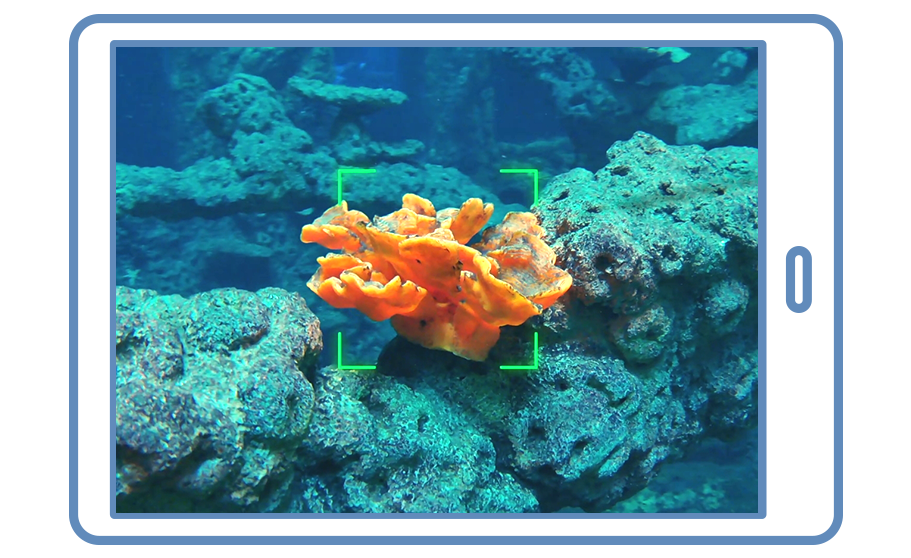
Write your code and watch E-GO respond in real time—from vehicle movement and status data to the live underwater view.
# ◎ Import the QYSEA SDK and connect to E-GOfrom qysea.sdk.manage.QY_Rov_Manage import QYRovRealTimeStatusManagerov = QYRovRealTimeStatusManage()rov.connect_to_rov() # → status: ok ✓# ◎ Read sensors in a loop: depth / temperature / heading / pitch / batteryprint(rov.get_rov_status())# ◎ Bring E-GO’s live camera feed into applicationstream = rov.get_video_stream()# ◎ Turn on the external lights and bring the underwater scene into viewrov.set_led_scale(8)# ◎ Control motion: CW Orbit, watch the camera view respondctrl.set_right_joystick_left_right(1650)ctrl.set_left_joystick_left_right(-1600)# 🚀 Advanced: run your own AI model on the live video streamfor frame in stream: boxes = my_ai_model.detect(frame) # → Right panel switches to AI detection results ↓ tracks = my_ai_model.track(boxes
LAYER 02 · ELECTRICAL ACCESS
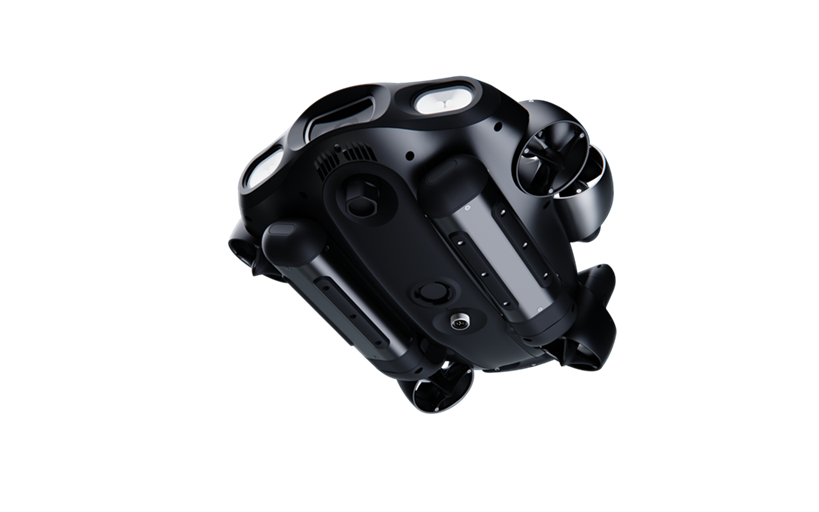
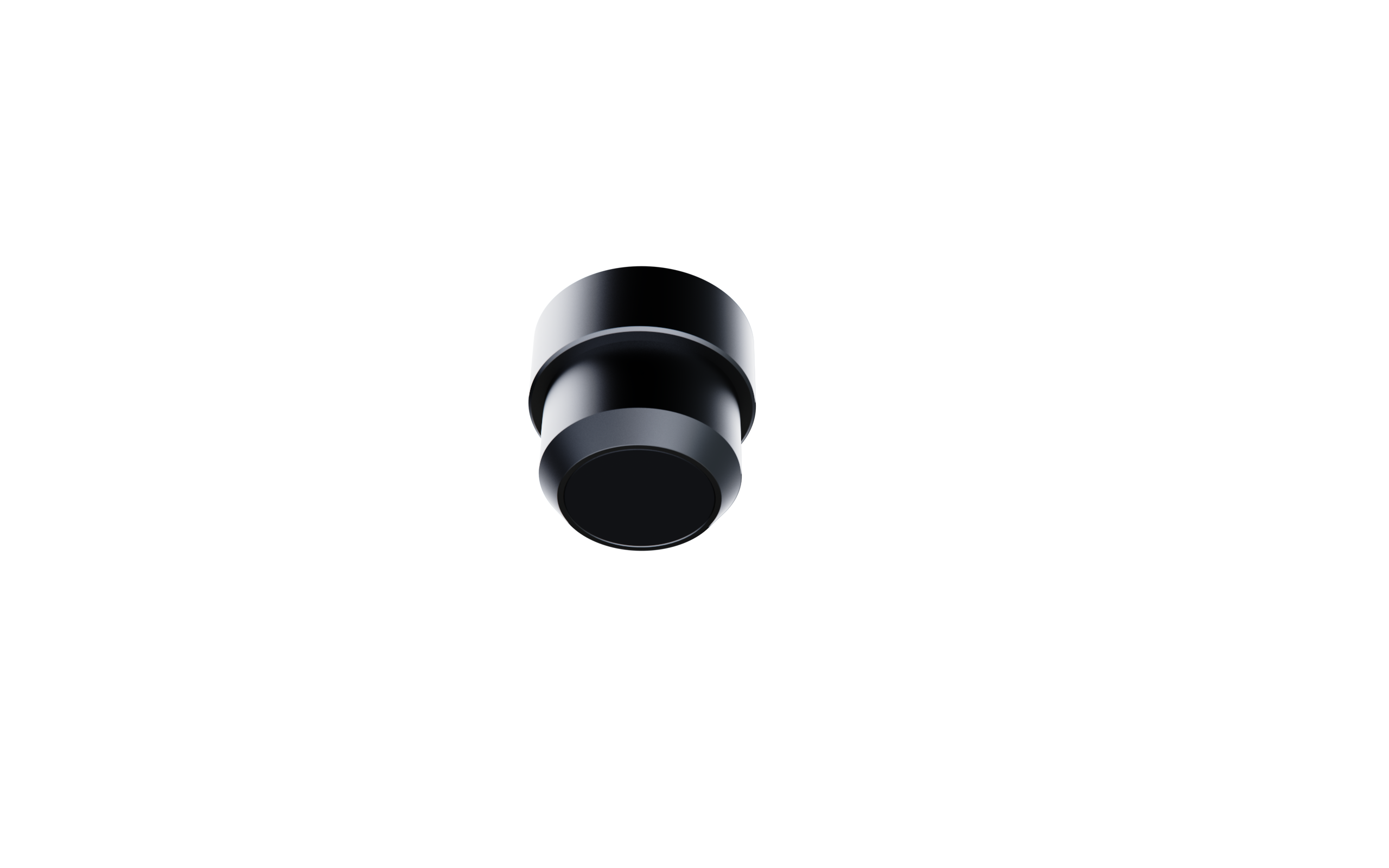
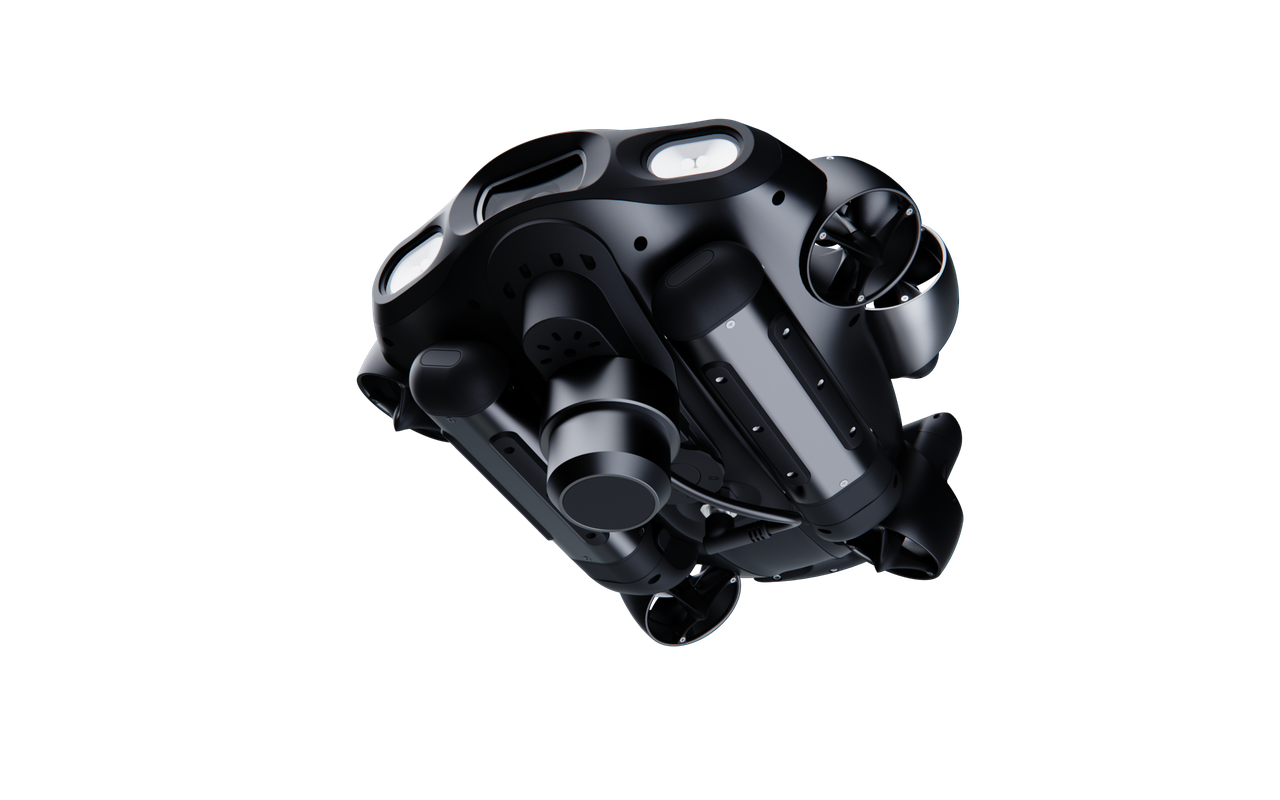
*E-GO supports upper or lower mounting; shown here with the lower quick-release plate, sold separately.
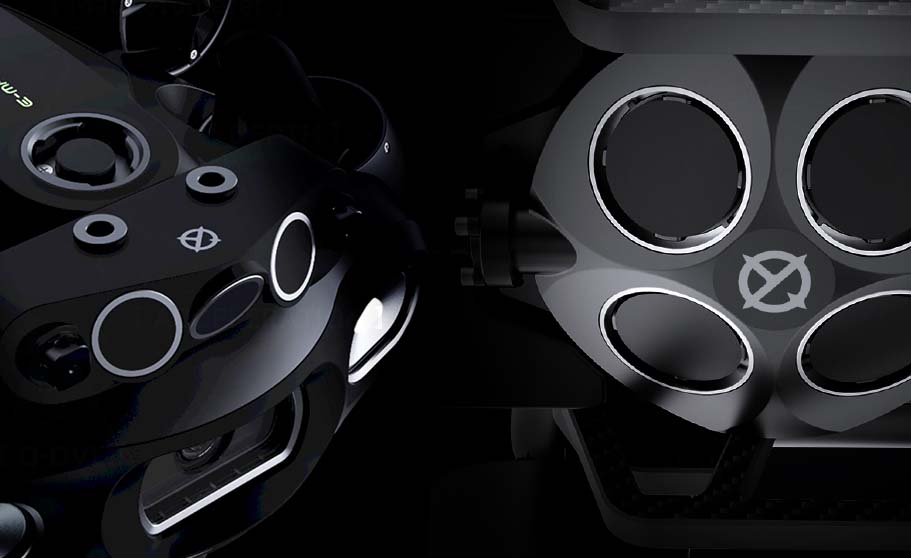
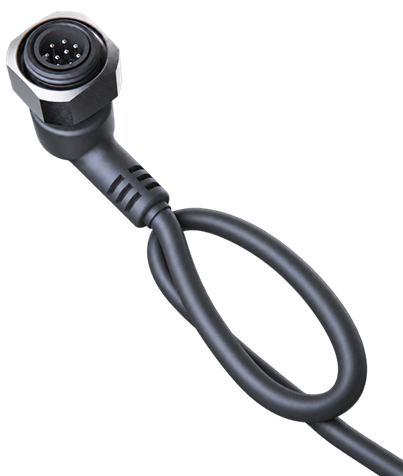
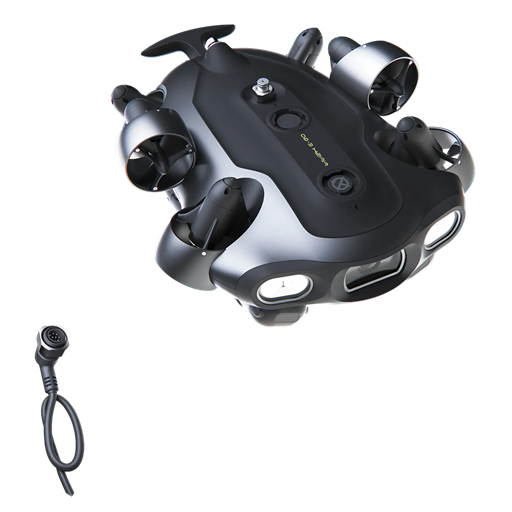
Use the Q-IF Accessory Cable to power and communicate with compatible external hardware. See the pin definition below.
LAYER 03 · MECHANICAL ACCESS
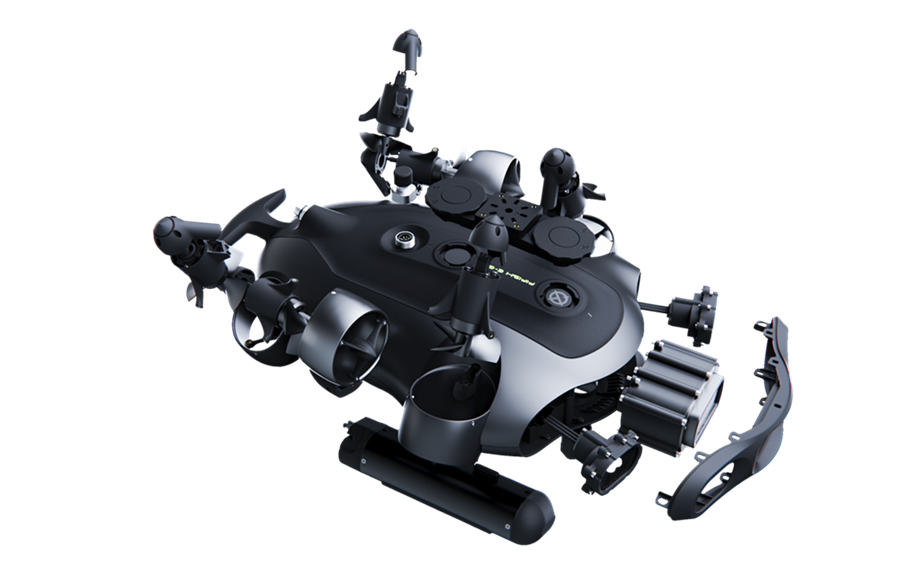
Use the mounting drawing and quick-release bracket to design, assemble and swap task-specific hardware.
Sensor, sampler, gripper or custom tool
Designed by you to connect both sides.
Provided with the mounting-hole drawing.
Install, remove and reconfigure as the task changes.
*Shown with the optional lower quick-release plate.
E-GO gives you a field-ready vehicle, an open development path and the flexibility to add the tools your project needs—so your team can move from idea to underwater testing faster.
Begin with an integrated ROV instead of making vehicle assembly, sealing and basic control your first development milestone.
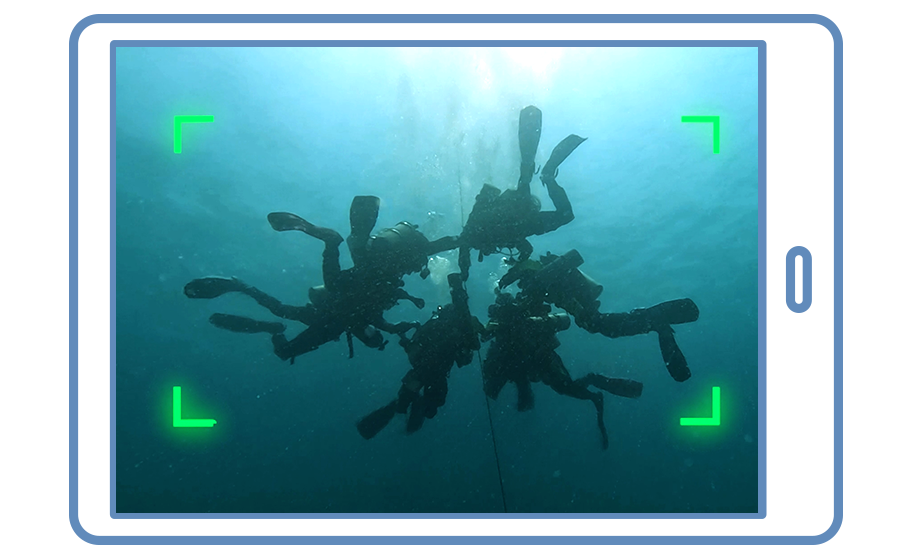
Capture detailed video for observation, inspection and computer-vision development.
Add robotic arms, cameras, samplers, sensors and measurement tools as your task requires.
Hot-swappable dual batteries and compatible power accessories can support longer field workflows.
Control E-GO with code, connect external hardware and mount custom tools.
Access technical documentation, training and scoped engineering support for research projects.
Applications & Research Cases
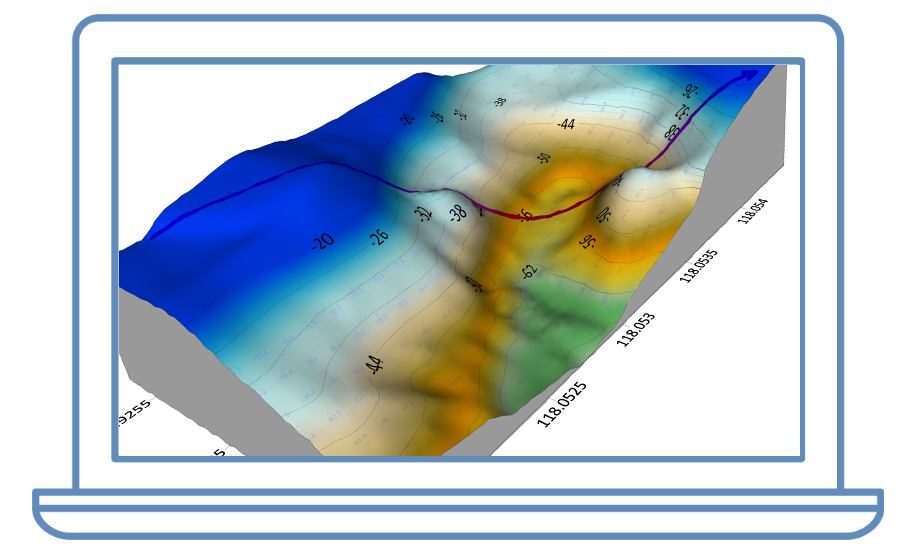
See how research teams turn underwater data, control and task tools into working applications.
Used by researchers and universities worldwide


Copyright © 2026 QYSEA Technology Privacy Policy | Terms & Conditions

